
Why Is My Clear Water Filter Turning Green?
Green film inside a clear water filter housing can be consistent with algae growth. Light is one condition that can support that growth. A cover shades the housing; existing buildup still needs appropriate filter care.
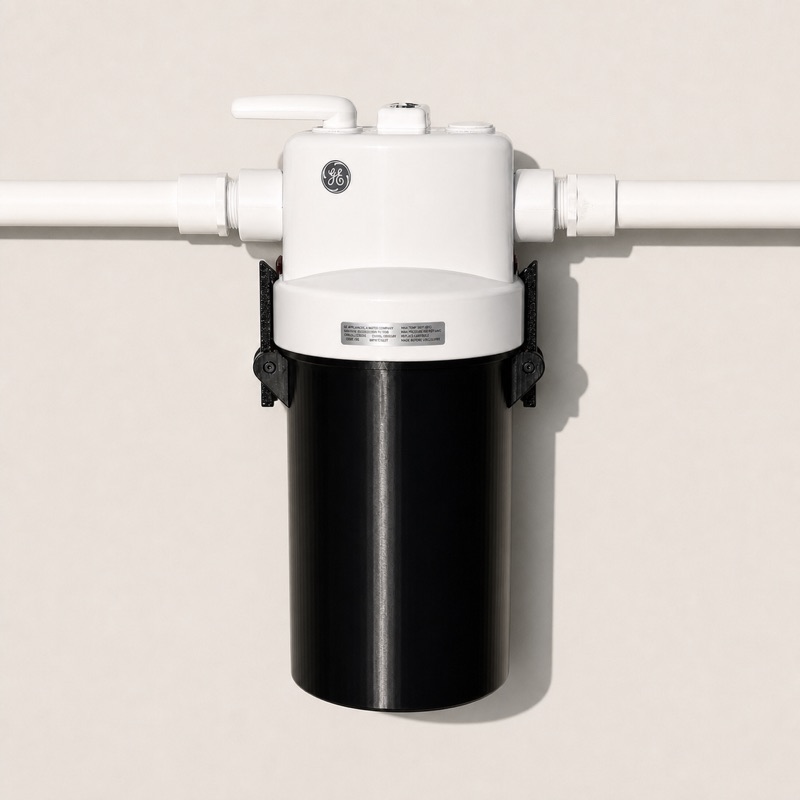
Why light matters
Photosynthetic algae use light. The FAU / USGS educational guide explains that algae also need water, nutrients and carbon dioxide, and that some grow on submerged surfaces. A clear housing can let light reach the water and surfaces inside.
That biology explains why shading a clear housing can be useful. It does not establish that every green mark is algae, or that a particular filter needs the same maintenance as another model.
Green housing, green cartridge or green water?
Before choosing a cover, identify what looks different: film on the inside of the bowl, material collected by the cartridge, or the water coming from a tap. These are different observations and can need different follow-up.
Words such as green, slimy, messy or dirty describe appearance. They do not identify the material or establish whether water is safe. For unexplained changes in the water itself, contact your water supplier or a qualified water professional.
What an external cover does
A Part For That cover fits around the outside of a supported clear filter housing. It shades that housing to help prevent light-supported growth. It does not filter the water, clean an existing green film or replace cartridge changes.
If buildup is already present, follow the housing and cartridge manufacturer’s care instructions. Avoid choosing a cleaning chemical or a cartridge schedule from a generic article; the correct procedure depends on your equipment.
GE, Culligan and iSpring: start with the model number
For GE GXWH40L or GXWH20T, match the exact GE model. For Culligan, check whether the label says WH-S200-C, WH-HD200-C, HF-360A or HF-360B. For iSpring, compare the label with the supported WSP / WSP-SL list in the fit guide.
The brand selector is a starting point. The model number identifies the cover that belongs on your housing. If you cannot read the label, ask Part For That for fit help before ordering.
Keep the housing accessible
Slide the cover off when you inspect, flush or service the filter. Continue the cleaning, cartridge changes and other maintenance specified by the filter manufacturer. Put the cover back after the work is complete.